Product strategy
Feature scope, prioritisation and product direction — defined before a single wireframe was drawn.
A news aggregation platform — designed, developed, and deployed by one person. Chronological feed, trusted sources, no algorithm.
The Source aggregates news from multiple trusted providers into one place. Users follow the sources they trust, filter by topic tag, and get a chronological feed with no algorithmic ranking or promoted content.
The challenge was making a large volume of news feel organised, fast, and navigable — without the interface becoming as overwhelming as the problem it was built to solve. The product was taken from idea to production as a solo end-to-end project: strategy, UX research, design, full-stack development, and deployment.
Feature scope, prioritisation and product direction — defined before a single wireframe was drawn.
Mapped the minimum viable scope — what to ship first, what to defer, and what to cut entirely.
User research, competitive analysis, and full user-flow mapping from sign-up through to daily use habits.
End-to-end interface design — wireframes to pixel-tight Figma files across web and mobile.
Full-stack implementation — React/Next.js frontend, Node.js backend, database, and news API integrations.
Configured, deployed to production on Hetzner, and launched with monitoring in place.
A news aggregator can easily become the thing it was built to replace: a firehose of unfiltered content. Every feature added for power — tags, source profiles, trending views, discovery filters — is a step towards the interface that overwhelmed people in the first place. The design had to hold that tension at every decision point.
The same principle across every surface: show the content people came for, make the controls available without making them mandatory.
The home feed shows articles from followed sources in reverse chronological order. No promoted posts, no recommendation engine, no engagement scoring. Users see exactly what their sources published.
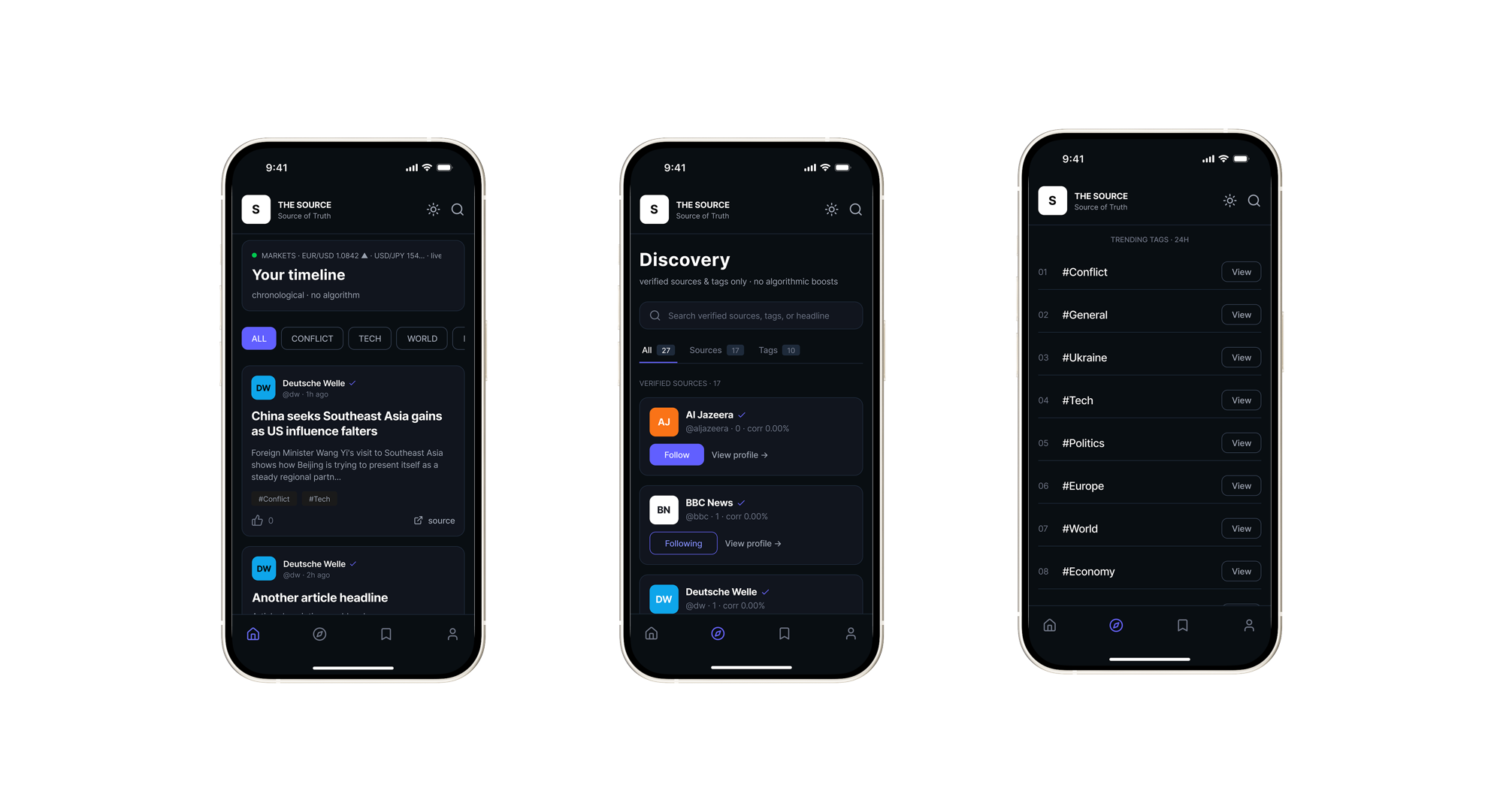 iOS · Timeline · Discovery · Trending
Onboarding starts with source selection: verified news organisations with credibility indicators. Discovery shows all verified sources and tags in one searchable view, with follow/unfollow and source profiles.
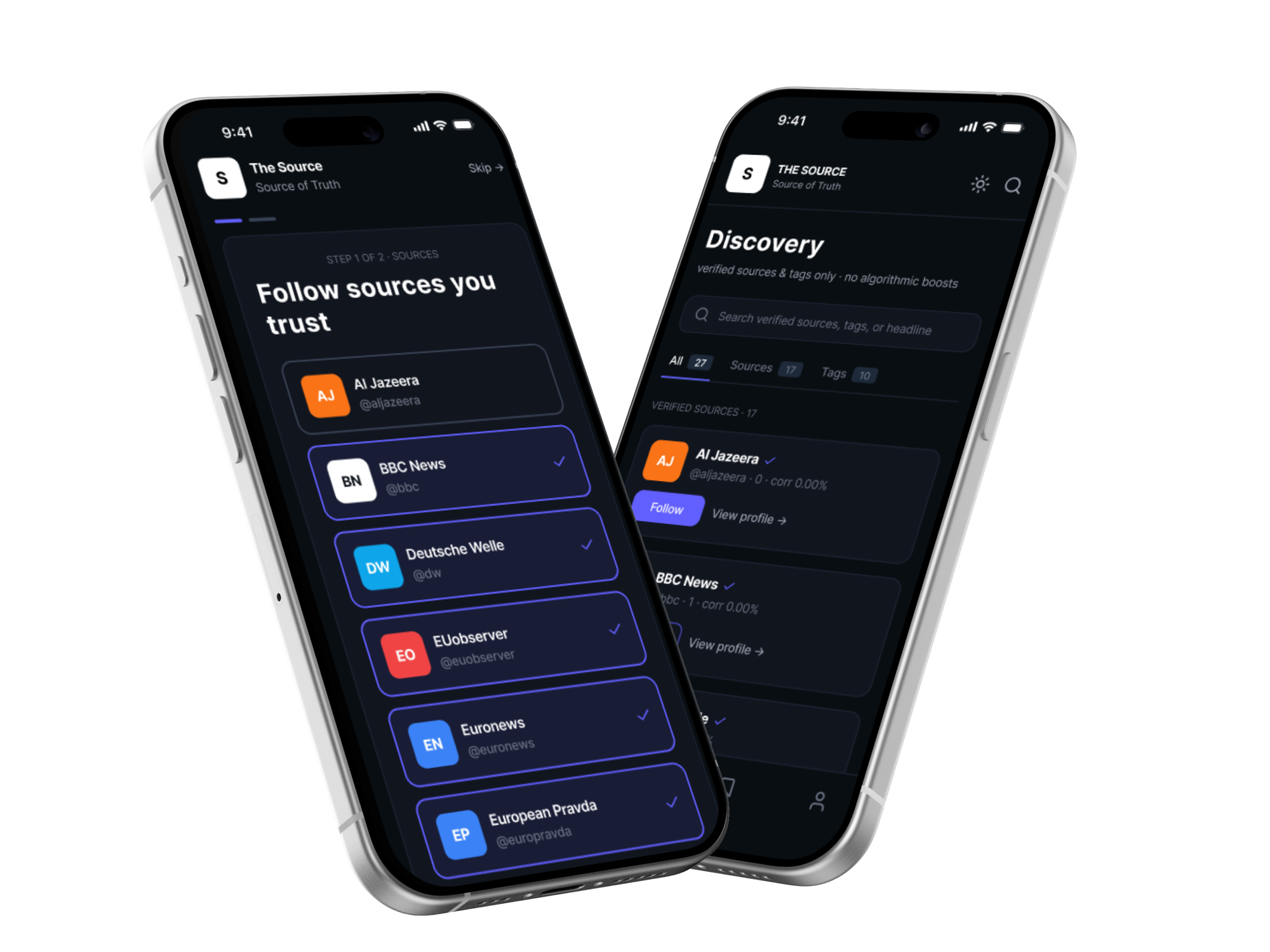 iOS · Onboarding & Discovery
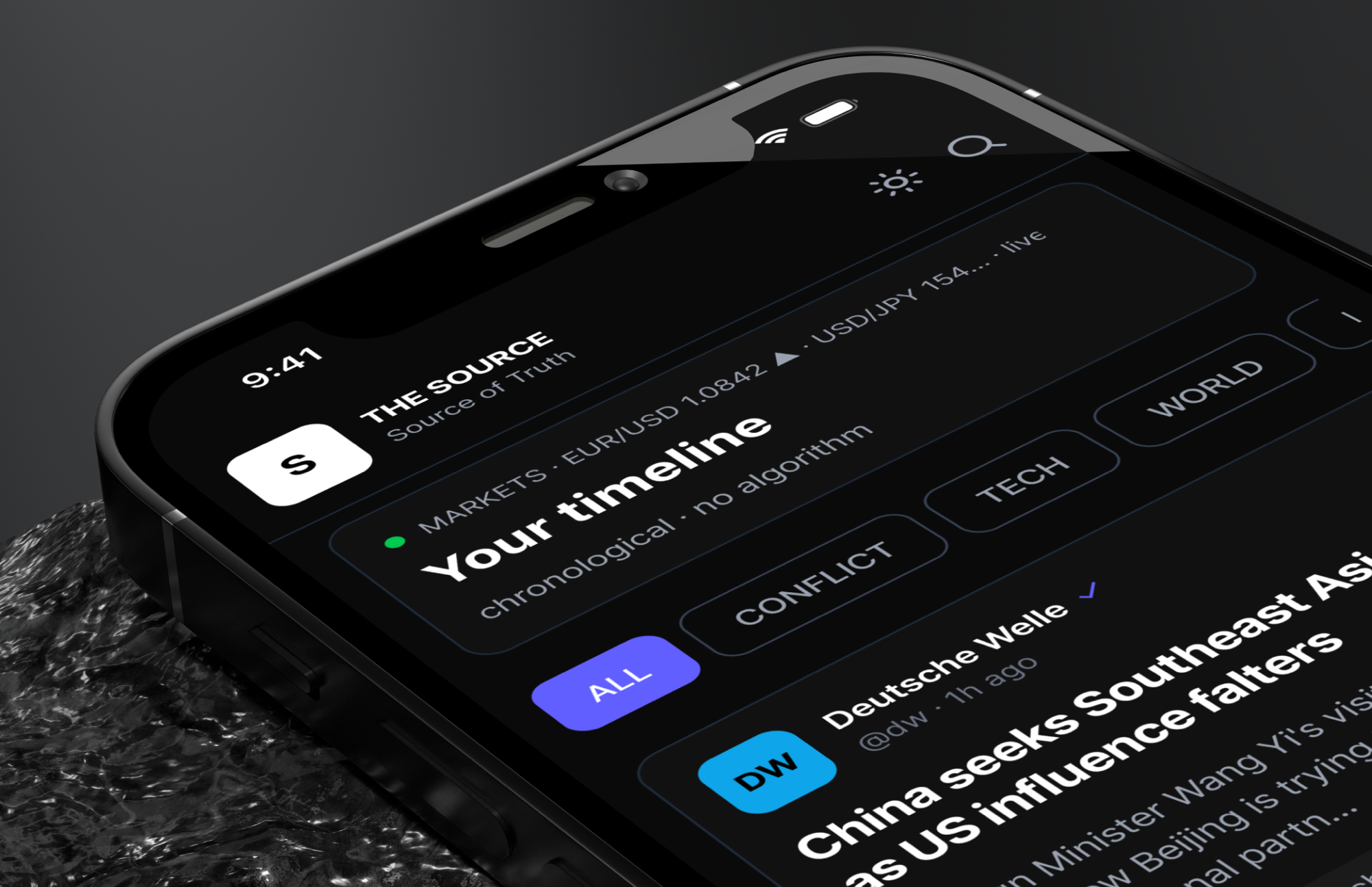 iOS · Timeline detail
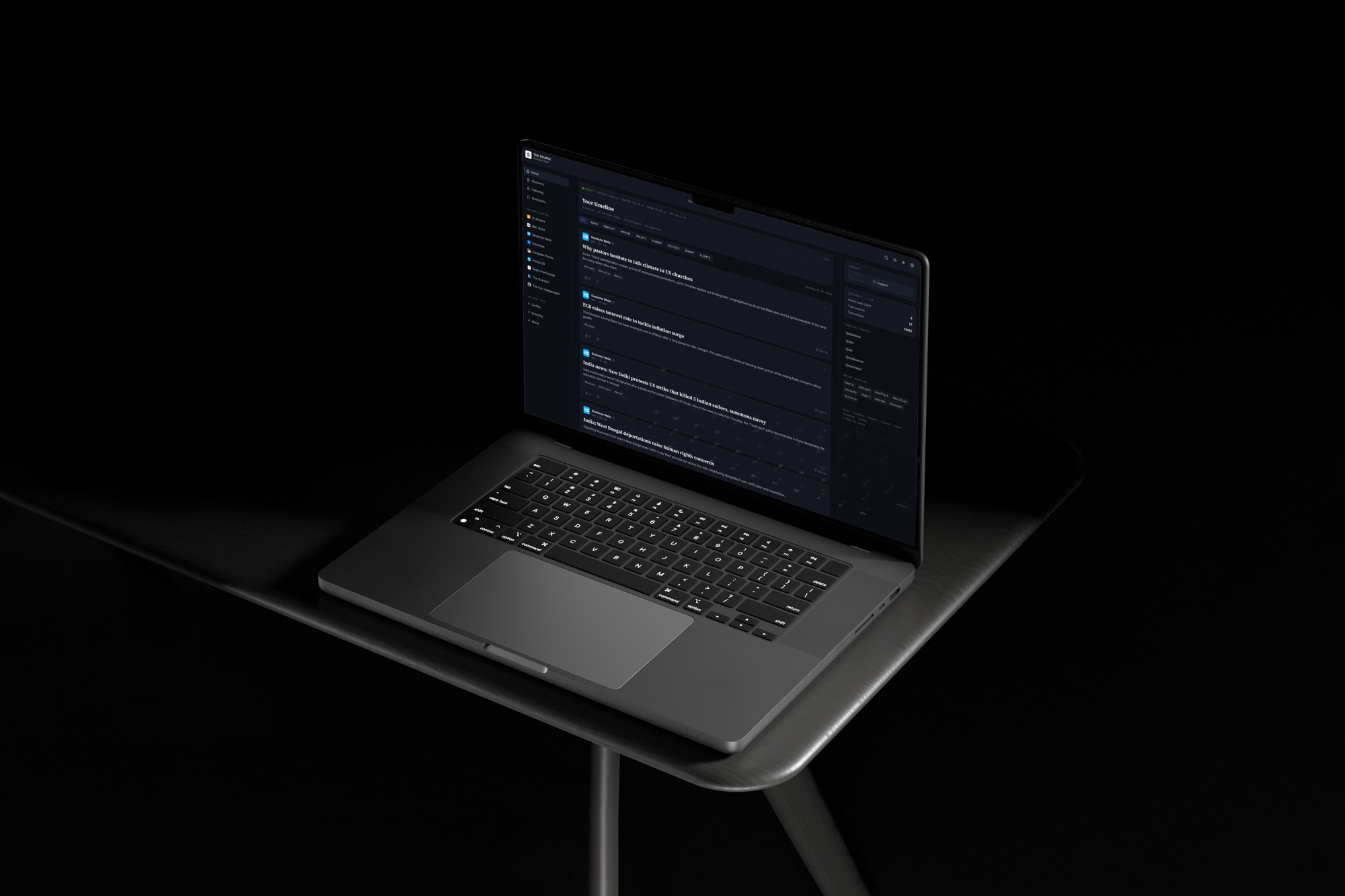
The web app uses a persistent left sidebar for source and tag navigation, a central feed column, and a right panel for live integrity stats, trending sources, and recent hashtags. All three are visible without scrolling.
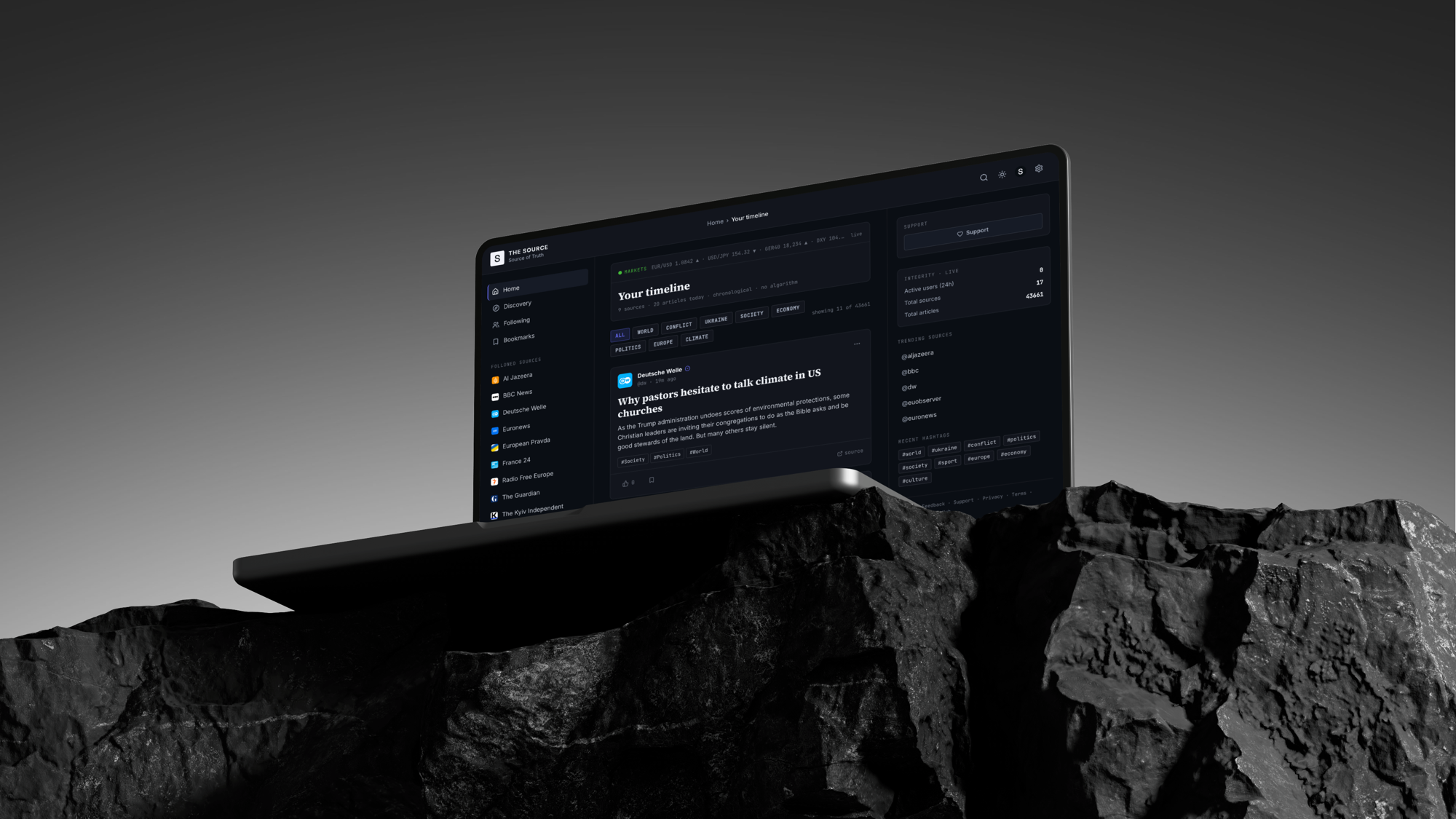 Web · Timeline
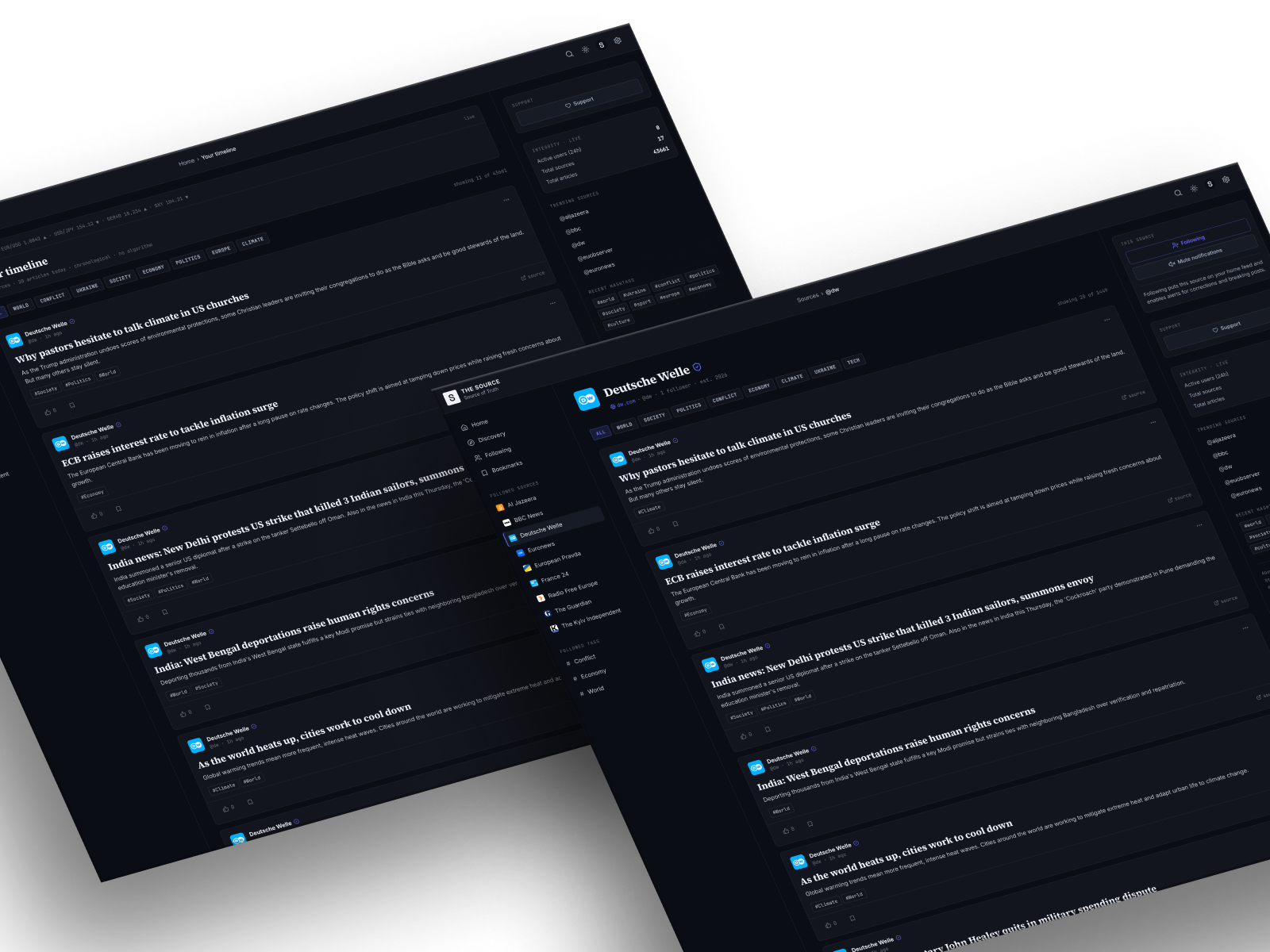 Web · Multi-view
Tapping any hashtag opens a dedicated tag page: post count, top sources covering that topic ranked by volume, and a full chronological feed of recent articles tagged with it. Tags can be followed directly from the page.
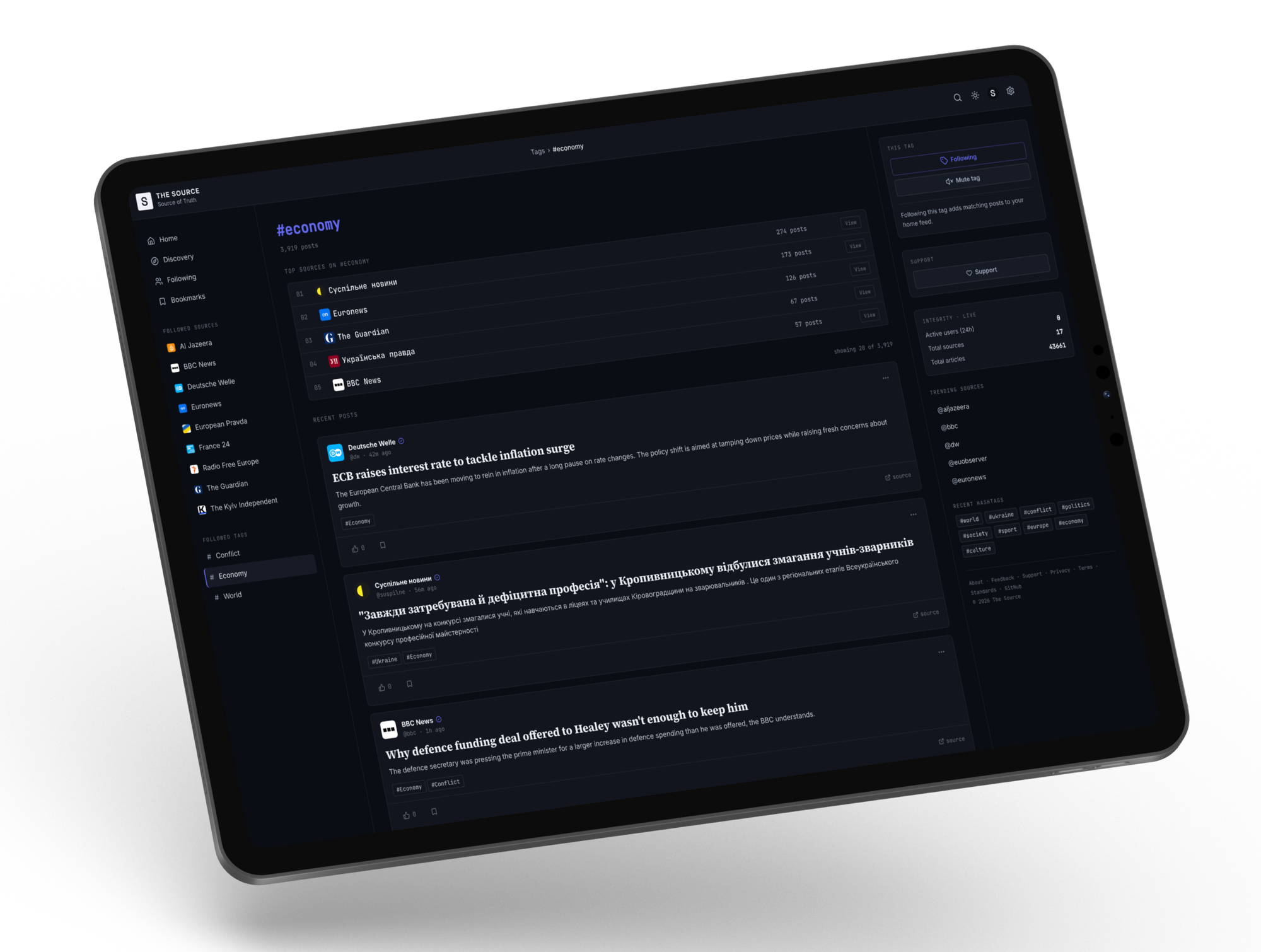 iPad · Tag page — #economy
From strategy and research through design, code, and deployment — this is what end-to-end ownership actually looks like.
Tell me about your project and I'll get back to you within 24 hours.